
All Cursor Packs
Browse our full collection of custom cursors. Find your next favorite style and install it for free.
 Pear cursorIt’s a sweet and loved fruit from the Mediterranean area that pleases people by its good tasting. A cute pear cursor in musical decorations will change your default mouse cursor to a funny custom cursor and pointer.
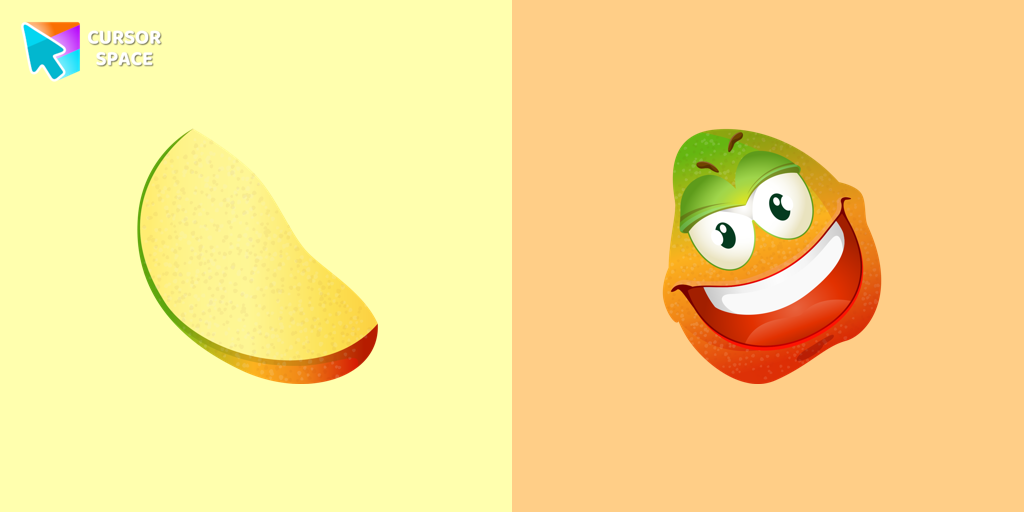 Mango cursorMerry mango cursor for mouse and pointer adds a fun mood to your everyday browsing the web. Funny fruits custom cursors collection for Chrome and its cursor with mango is here!
 Lemon cursorThe crazy lemon custom cursor for the browser is designed in a cute style and a bright color. Install custom cursor with a lemon from our funny fruits custom cursors collection for mouse and pointer.
 Banana cursorBanana cursor in a stylish summer presentation will definitely create a good vibe on your screen. Custom cursor with banana in our incredible funny fruits custom cursors collection for Chrome.
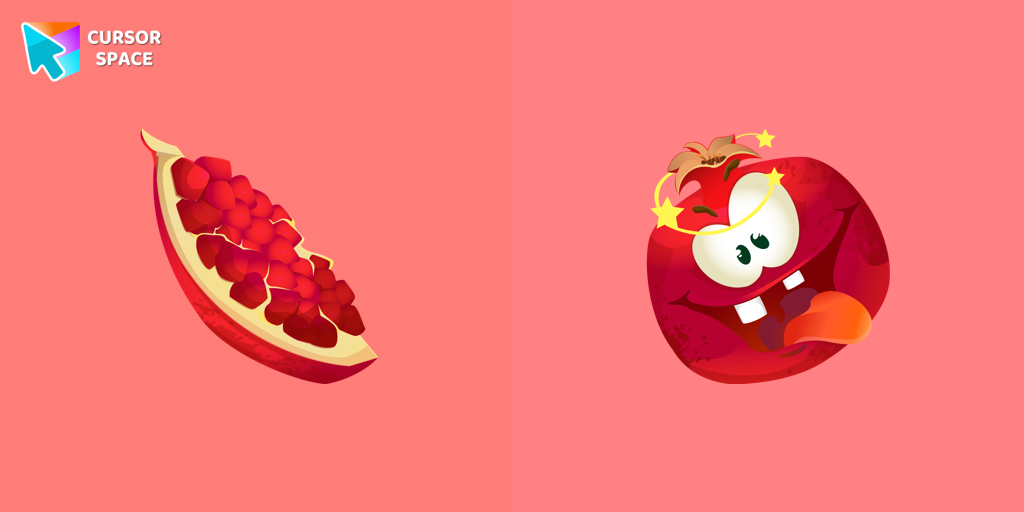 Pomegranate cursorThe excited pomegranate cursor looks very funny in our custom cursor collection with fruits. Add a custom cursor with pomegranate fruit to enjoy its design.
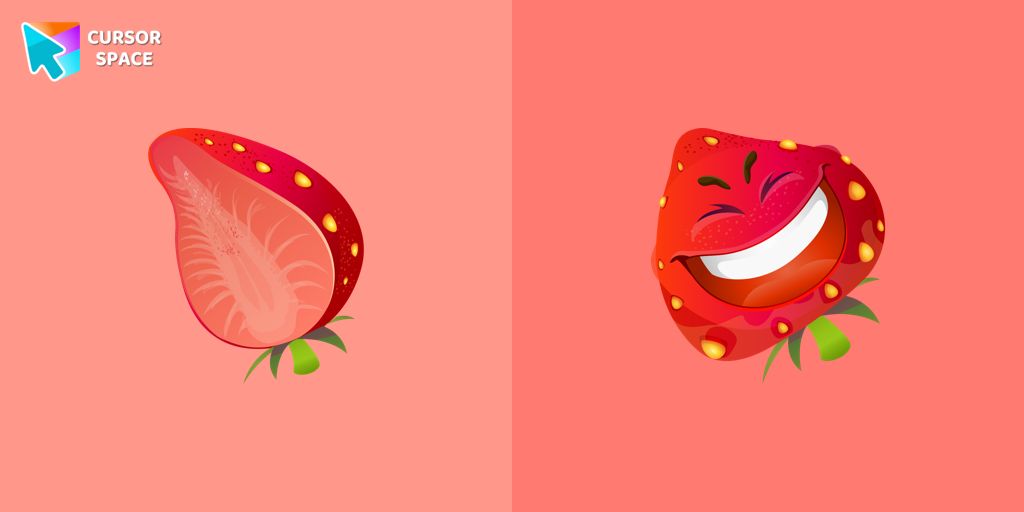 Strawberry cursorThe happy strawberry custom cursor for a mouse will definitely make you feel happy as well. Add a custom cursor with strawberry fruit from the funny fruits custom cursors collection for Chrome.
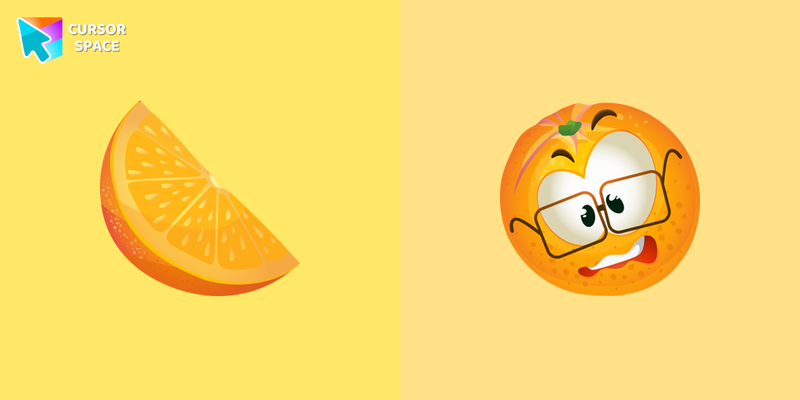 Orange cursorThe confused orange cursor looks very funny in our custom cursor collection with fruits. Add a custom cursor with orange fruit to enjoy its design.
 Pineapple cursorCrazy pineapple custom cursor for browser is designed in a cute style and a bright color. Install custom cursor with pineapple from our funny fruits custom cursors collection for mouse and pointer.
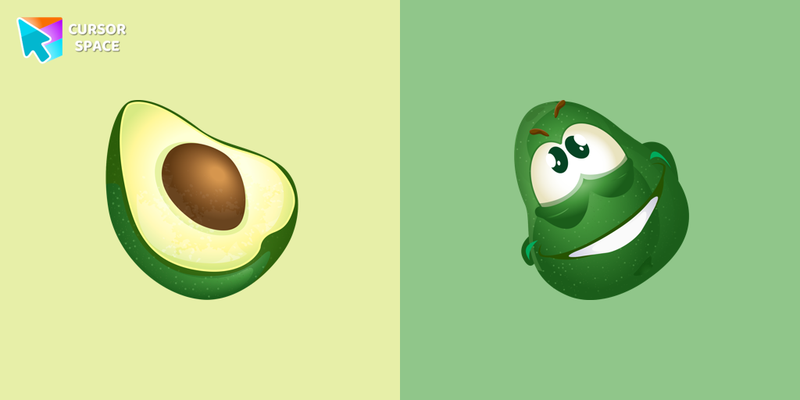 Avocado cursorMerry avocado cursor for mouse and pointer adds a fun mood to your everyday browsing the web. Funny fruits custom cursors collection for Chrome and its cursor with avocado is here!
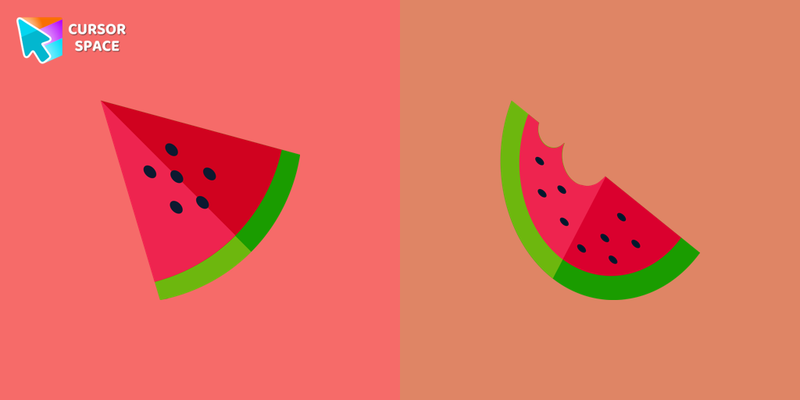 Watermelon cursorWatermelon cursor in a stylish summer presentation will definitely create a good vibe on your screen. Custom cursor with watermelon in our incredible funny fruits custom cursors collection for Chrome.
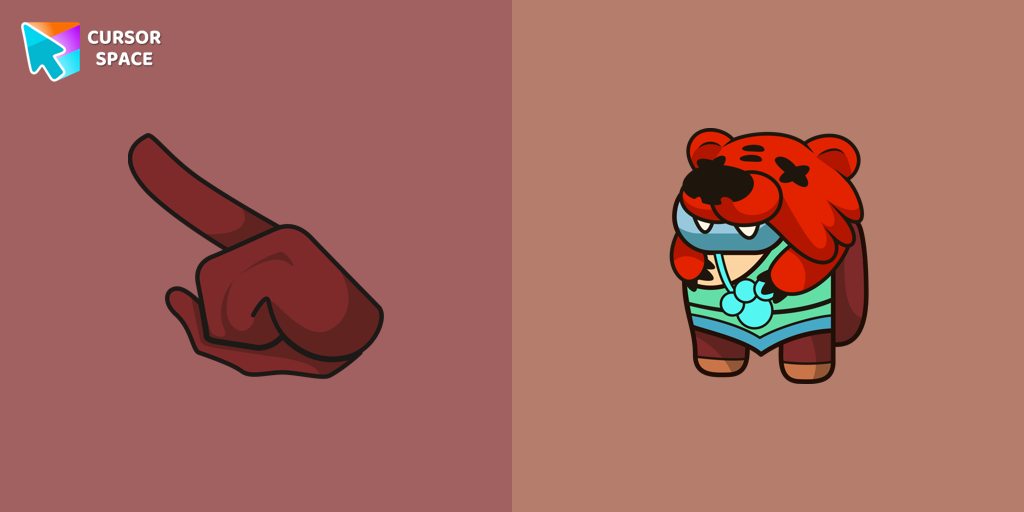 Among Us Nita Character cursorAdd a touch of cuteness with the Among Us Nita custom cursor for Google Chrome. Navigate with her charm and playful personality on your screen!
 Among Us Son Goku Character cursorThe Among Us Son Goku Character cursor is an exciting addition to the browser cursor collection.
 Among Us Vegeta Character cursorAdd a dynamic touch to your browsing with the Among Us Vegeta custom cursor for Google Chrome. Perfect for Dragon Ball and Among Us fans!
 Among Us Avatar Aang Character cursorAdd fun and charm to your browsing with the Among Us Avatar Aang custom cursor for Google Chrome. A playful and colorful cursor for fans of both series.
 Among Us Sailor Moon Character cursorExperience the magic of Sailor Moon with the custom cursor for Google Chrome. Add this unique custom cursor to your gaming for a fun crossover of Among Us and Sailor Moon.
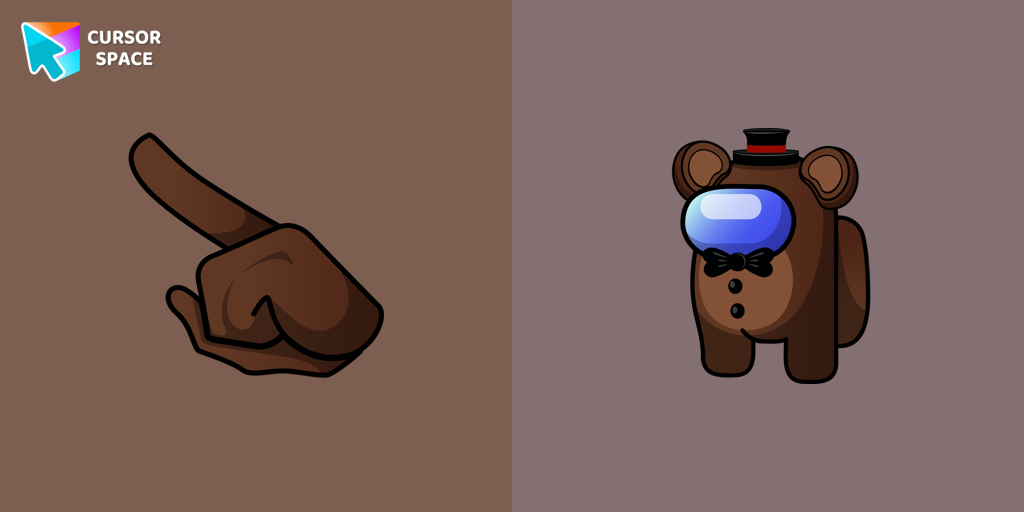 Among Us Toy Freddy Character cursorTransform your browsing with the Among Us Toy Freddy custom cursor for Google Chrome. Add a playful, fun touch to your screen with this unique design.
 Among Us Toy Chica Character cursorIntroducing the Among Us Toy Chica Character Cursor
 Among Us Knuckles the Echidna Character cursorIntroducing the Among Us Knuckles the Echidna Character Cursor
 Among Us Doctor Eggman Character cursorGet the incredible custom cursors collection with Among Us and set cute cursors instead of boring ones.
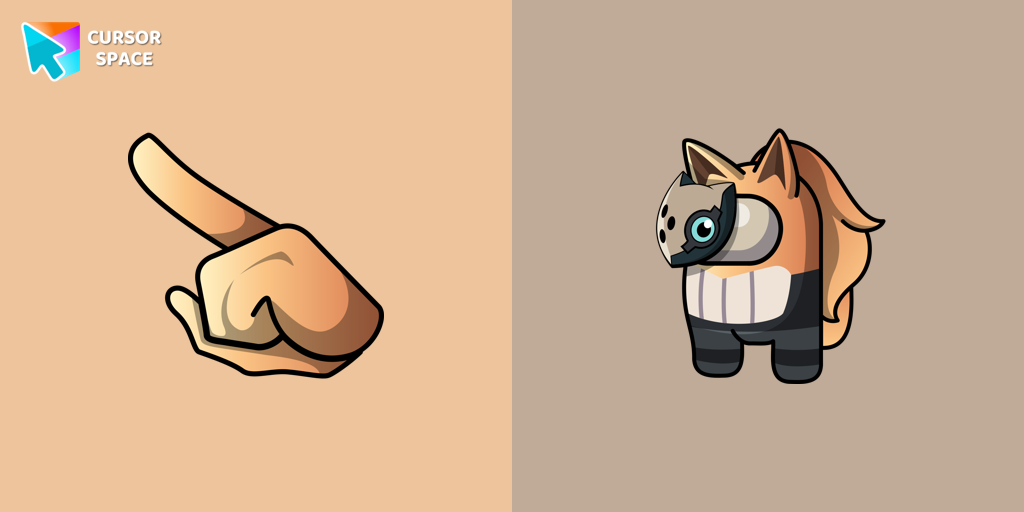 Among Us Whisper the Wolf Character cursorIntroducing the Among Us Whisper the Wolf Character Cursor
Explore cursor packs by style
Cursor Space packs include curated cursor sets for everyday browsing: cute, minimal, anime, neon, pixel art, and more. Each pack comes with multiple cursor states (like default and pointer) and can be added to your browser in seconds.
Trending now
Fresh picks based on what people install most often.
Collections
Browse themed sets grouped by vibe and aesthetic.
Top charts
See weekly, monthly, and all-time leaders.
How to install a cursor pack
- Open any pack from the grid above.
- Click the install / add button on the pack page.
- If you don’t have it yet, install the Cursor Space browser extension.
- Apply the pack in the extension and enjoy your new cursor.
FAQ
Quick answers to common questions about cursor packs, collections, and installation.
Are cursor packs free on Cursor Space?
Most cursor packs on Cursor Space are free to browse and install. Some packs may be marked premium depending on licensing. The Cursor Space browser extension is free to install from the Chrome Web Store.
Do cursor packs work on Chrome and Edge?
Yes. Install the Cursor Space extension for Chromium-based browsers (Chrome, Edge, Brave), open a pack page, and click install/apply. The extension applies the cursor set across your browser.
How do I install a custom cursor pack?
Open the pack page, click the install or add button, install the Cursor Space extension if prompted, then apply the pack from the extension popup. Your new cursor appears immediately.
Can I change or remove a custom cursor later?
Yes. Open the Cursor Space extension, choose another pack, or restore the default system cursor from the extension settings.
Is the Cursor Space extension safe?
Cursor Space is distributed via the Chrome Web Store and Edge Add-ons. Keep the extension updated, and only install packs from trusted catalog pages on this site.